 RSS Feed
 Twitter
Set up a Custom Icon When Readers Bookmark Your Site
I hope you all aware of the term "favicon". If not, it is a little icon that shows up in your bookmarks as well as in the tab display of famouse Web browsers like Firefox, IE, Google Chrome and many more. Favicon is also known as favorites icon. Here are the simple steps to create the Favicon:
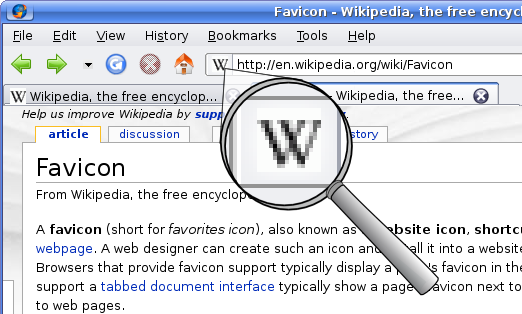 First Choose / Create Your Image : Using any graphics program, design an image that is 16 x 16 pixels. There are few web design sites that also provides animated favicon as well. After that, save the image as a .GIF or .BMP file format in your machine with 256 colors (preferably). Icon files, like Web images, have to display on computer monitors, so they can't reliably display millions of colors. As an icon file is for displayed only in Windows, so it can be 256 colors, rather than the Web standard 216.
- Converting it to an Icon : Once you have created the acceptable image for favicon, then you have to convert the image to the icon format. In the net, you will find many icon editors available. If you ask me then I mostly use IconForge by CursorArts. Make sure that you save the file as favicon.ico.
- Publishing the Icon : It is very simple to publish the icon, simply upload it to the same directory as the file you want bookmarked. You can also put the favicon different icon on every page of your site (if you wish to do so), or point to one icon in many folders.


No comments:
Post a Comment